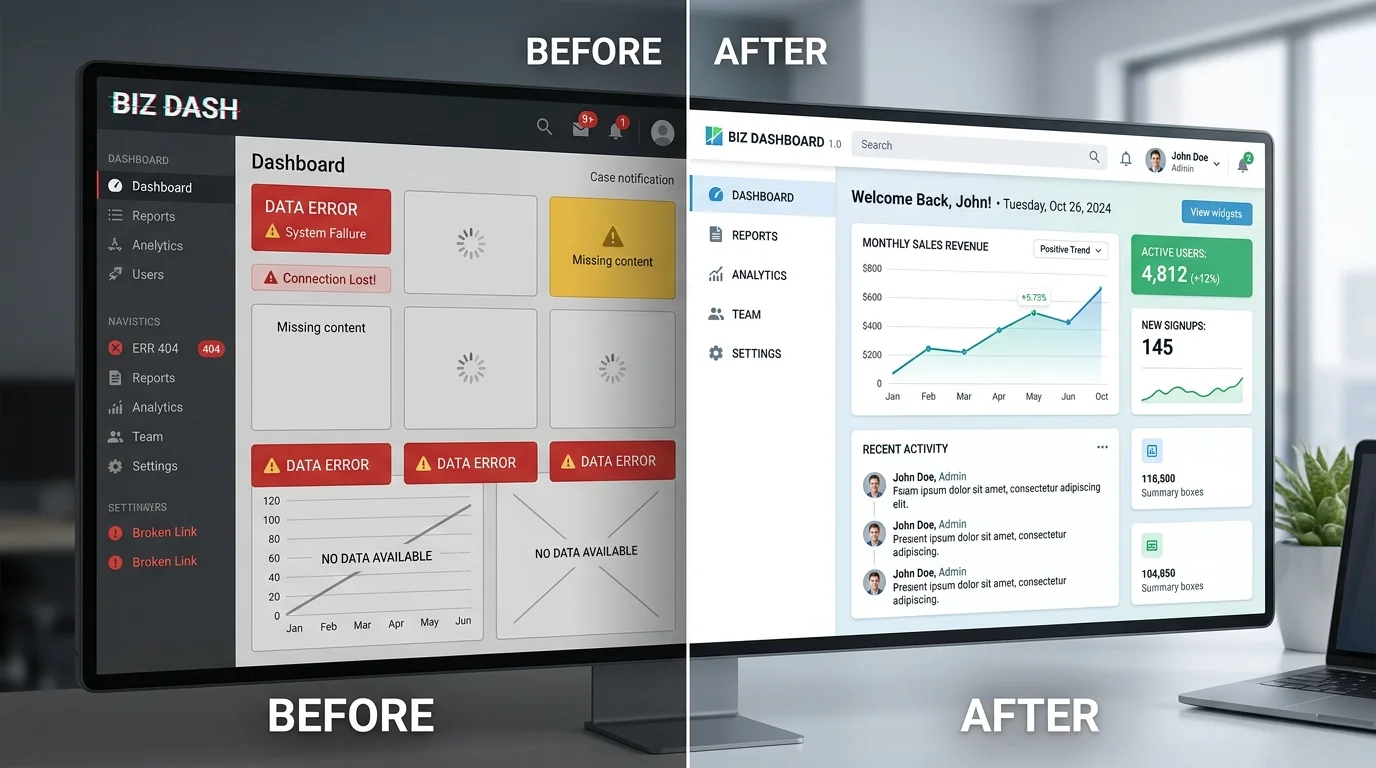
Your website may be gone. Your hard work doesn’t have to be.
We recover archived pages, images, and content, then rebuild them into a working HTML or WordPress website. Start with your domain. We’ll take it from there.
Send your domain or a Wayback Machine link. We review available snapshots, key pages, and archived assets.
You get: a recovery assessment02
Agree on the plan
Choose HTML or WordPress. We outline what can be recovered, any gaps, the cost, and the expected timeline.
You get: a clear scope & quote03
Rebuild & review
We recover content, repair links and asset paths, and check the rebuilt pages before you review the result.
You get: a website to review04
Make your comeback
Receive your website files or agreed WordPress handover, with the next steps for putting your site back online.
You get: your website back in your hands
What Is Website Recovery?
website recovery is the process of restoring a lost, broken, or inaccessible site from backups, server copies, or public archives. It matters when site files are missing, hosting fails, or changes must be rebuilt without the original admin access. The goal is to recover usable content, design, and URLs, then return the site to stable operation with minimal search visibility loss. The Wayback Machine says users can search the history of more than 1 trillion web pages and use Save Page Now to capture a page as it appears now. In practice, some sites can be restored; others need rebuilding from archived pages and saved assets when possible.
When Do You Need Website Restoration?
Use website restoration when your site disappears, breaks after a move, or loses key content. Common triggers include expired hosting, hacked files, deleted pages, lost developer access, and no usable backup. In hacked cases, check Google Search Console's Security issues report, then clean the site before any review request.
Expired hosting can take the site offline until files are moved to new hosting.
Hacked files can trigger warnings, damage search visibility, and require malware cleanup.
Deleted content may need archived pages or saved copies to rebuild important URLs.
Lost developer access slows fixes because you may not control the site files.
No usable backup often means a rebuild from exports, copies, or public archives.
Restore and repair everything first, then request review after the site is safe.
Which Website Recovery Path Fits?
Choose the right website recovery path by checking what still exists. If public captures hold the site, archive restoration can rebuild pages and assets. If the issue is ownership, registrar access, or a transfer dispute, domain recovery is the first step.
Archive Restoration for Lost Files
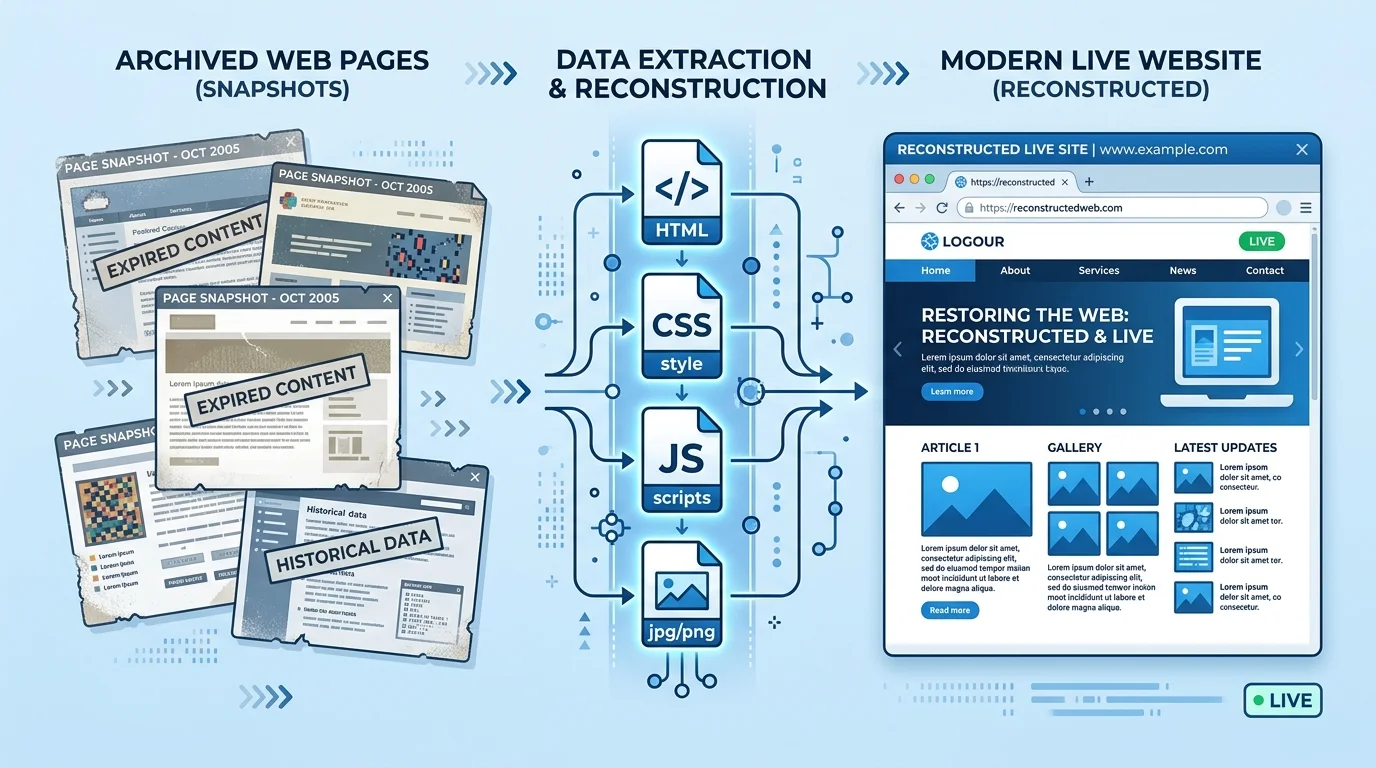
When old captures still exist, archive restoration fits missing-file cases cleanly. The Wayback Machine lets users search historical captures, and Save Page Now stores a current page for future reference. An archive restoration workflow can rebuild missing pages from those copies.
A website restoration service can recover page copy, images, internal URLs, HTML, CSS, and sometimes JS from those captures.
It can then publish static files or convert the rebuild into WordPress for easier editing.
The result is usually a close visual match, but missing assets may need manual replacement.
Check links, redirects, and image paths before relaunch carefully.
Domain Recovery and Access Control
Domain recovery is an ownership and access problem, not a file-rebuild task. If a domain expired, was transferred without permission, or shows changed WHOIS details, contact the registrar fast and document what happened. ICANN's lost domain names guidance explains that registrants can use, renew, restore, or transfer a domain name.
For domain restoration, ICANN says it cannot transfer or return a domain directly, so the registrar controls next steps. Act quickly on expired domains, unauthorized transfers, or account lockouts. Keep records, verify access, and ask the registrar to review current ownership data and recovery options.
How Does Website Reconstruction Work?
Website reconstruction starts by collecting the best source material available: archive files, backups, or server copies. If those assets preserve HTML, CSS, JS, images, titles, meta descriptions, and original URLs, the site can often be restored closely.
This website recovery process keeps the original URL map where possible. When key files are missing, website rebuilding becomes the fallback, but the goal stays the same: preserve structure, broken links, images, redirects, titles, meta descriptions, and search visibility.
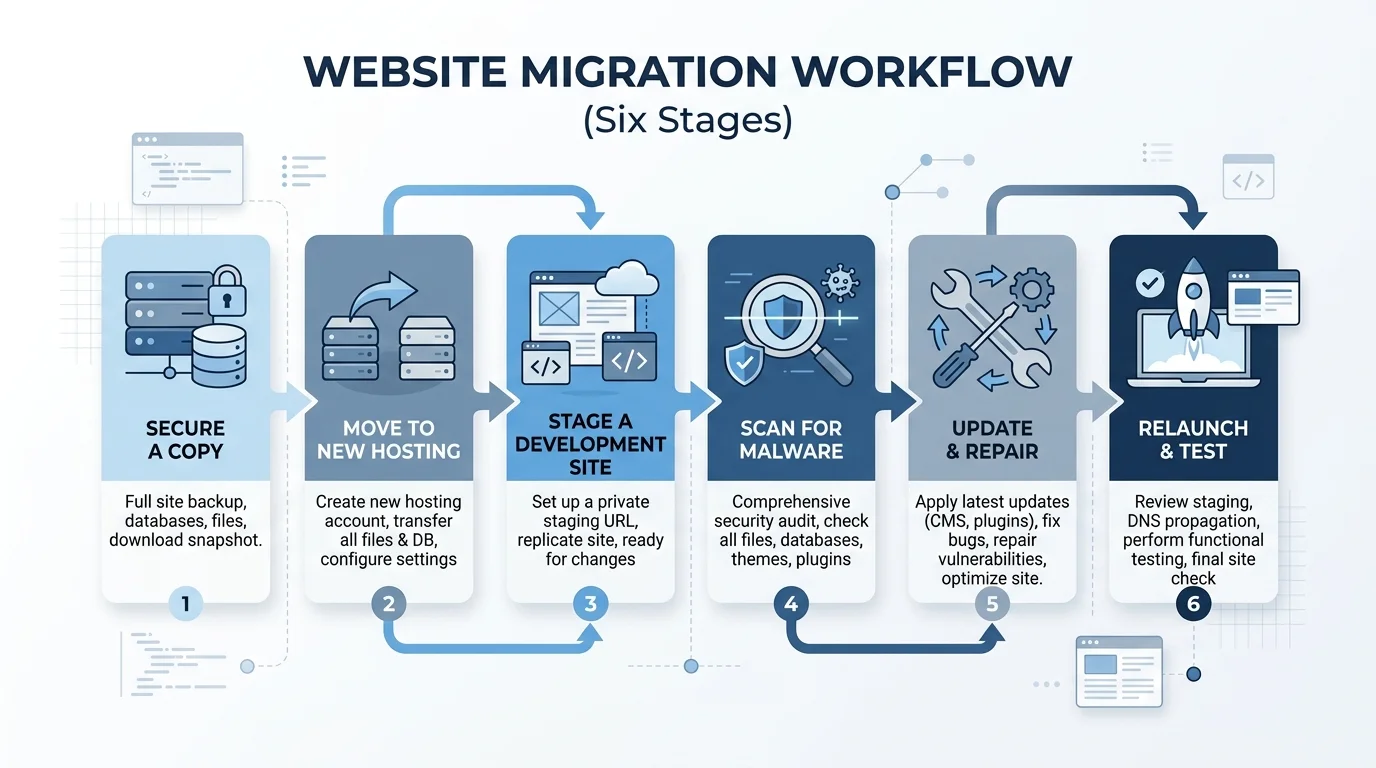
Secure a copy of the live site before changing anything.
Move the files to new hosting and set a development site.
Check archive pages, backups, or server copies against the current state.
Scan the restored site for malware and harmful code before edits.
Repair broken links, images, redirects, titles, and meta descriptions next.
Relaunch, test URLs, and confirm the pages load as expected.
How Do You Vet a Website Recovery Service?
Start by checking what the website recovery service can actually access: archive copies, registrar records, hosting, and malware evidence. A solid team should explain whether website restoration means repairing archived pages, converting WordPress files, or rebuilding only the parts that survived in staging.
Check
Why It Matters
Archive access
Confirms archived pages and site files
Registrar help
Shows who can renew or restore domain access
Malware cleanup
Protects search visibility before relaunch and review
URL preservation
Keeps redirects and internal links intact
WordPress conversion
Rebuilds content when files are incomplete
Staging
Lets you test changes safely
Clear scope
Separates recovery from a full rebuild early
Website Recovery Questions Answered
How do I recover my website?
Check backups, archived pages, hosting access, and malware first; website recovery works when files still exist.
How can I retrieve old websites?
Use saved copies or archived pages; website reconstruction is needed when design or content must be recreated.
Can I recover deleted website history?
If the domain is missing, domain recovery may be needed; otherwise restore files and preserve URLs.
YOUR COMEBACK STARTS WITH A DOMAIN
Let’s bring your website back.
Tell us what disappeared and where it used to live. We’ll review the available archive and discuss the best recovery path.